
5,500+ materialsPersonal & commercial useCycles & EEVEEBlender 4.3 and above
Choose a category
Choose a category
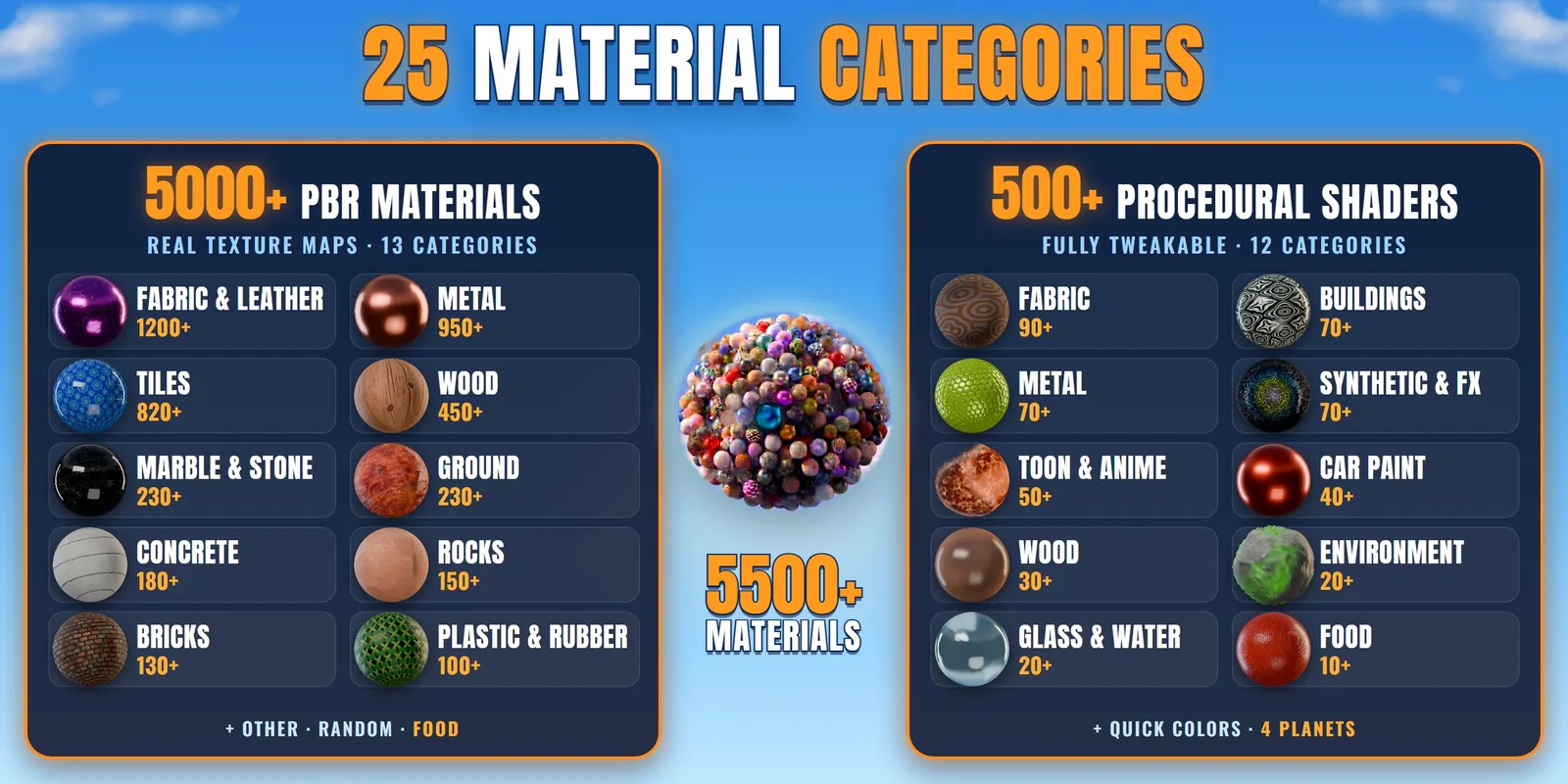
Real texture sets with at least 4 maps each (colour, roughness, normal and height), in 13 categories. Pick one, click Apply, done.
Every ball here is a real material from the add-on
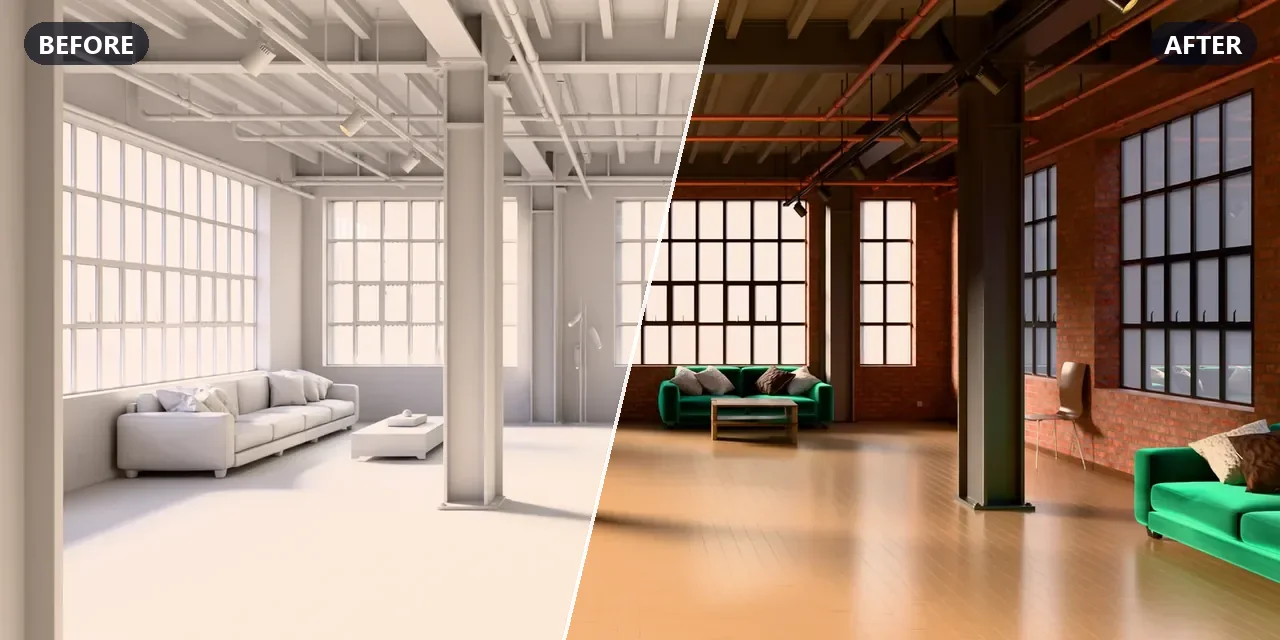
Drag across the picture: the same room, before and after Materialify Pro
The whole library sits in one folder on your computer. No account, no downloading one by one, no waiting. It even works offline. Browse all of it here:
Scroll inside the catalog · open it full screen ↗
Every PBR material is a plain folder of standard image maps. Use it in Blender with one click, or take the same maps to any other 3D app.
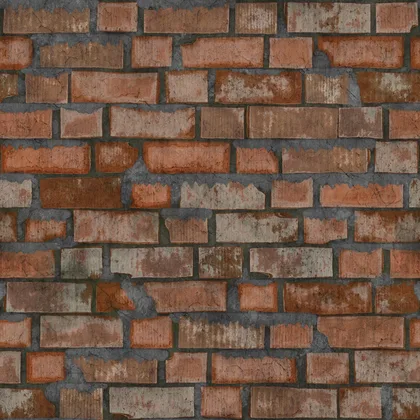
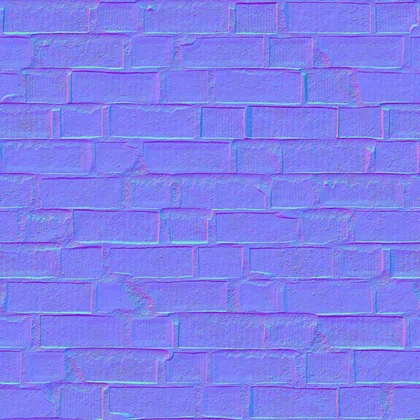
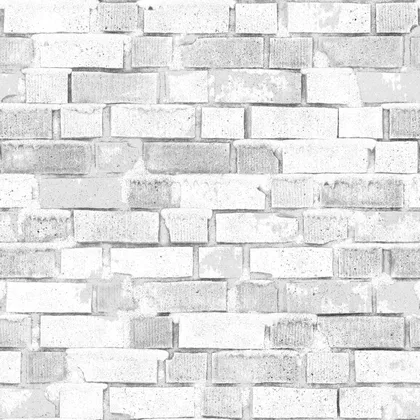
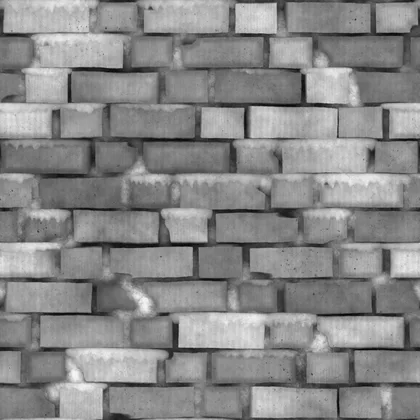
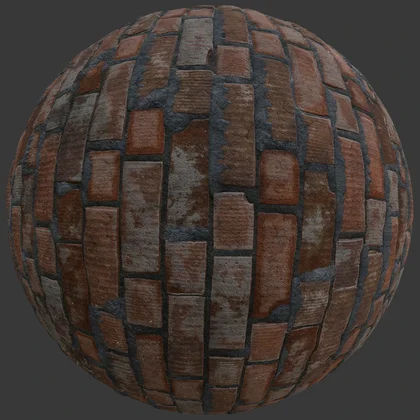
At least 4 maps per material, plus Metallic & Opacity where needed · works in
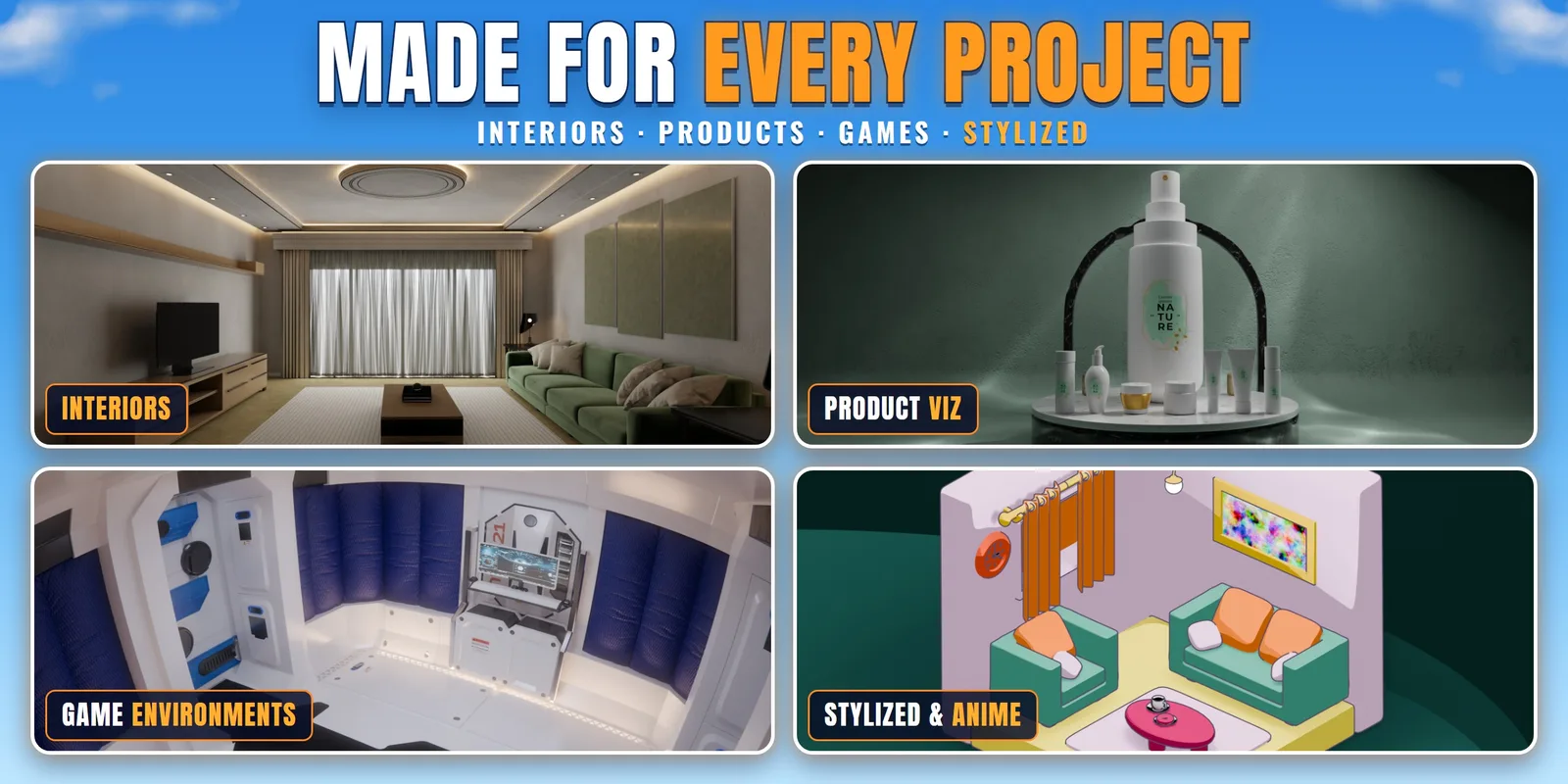
You'll find almost everything in our library. Want something of your own? Type it, and the AI makes a seamless PBR material right on your PC, as many as you like.
A few words, like “dark walnut wood”. The lamp button gives you ideas.
It runs right on your own PC. Keep working while it runs.
Colour, roughness, normal and height maps, at real-world size, with repeats hidden.
We typed a few words for each surface and clicked Generate. Rendered in Cycles.
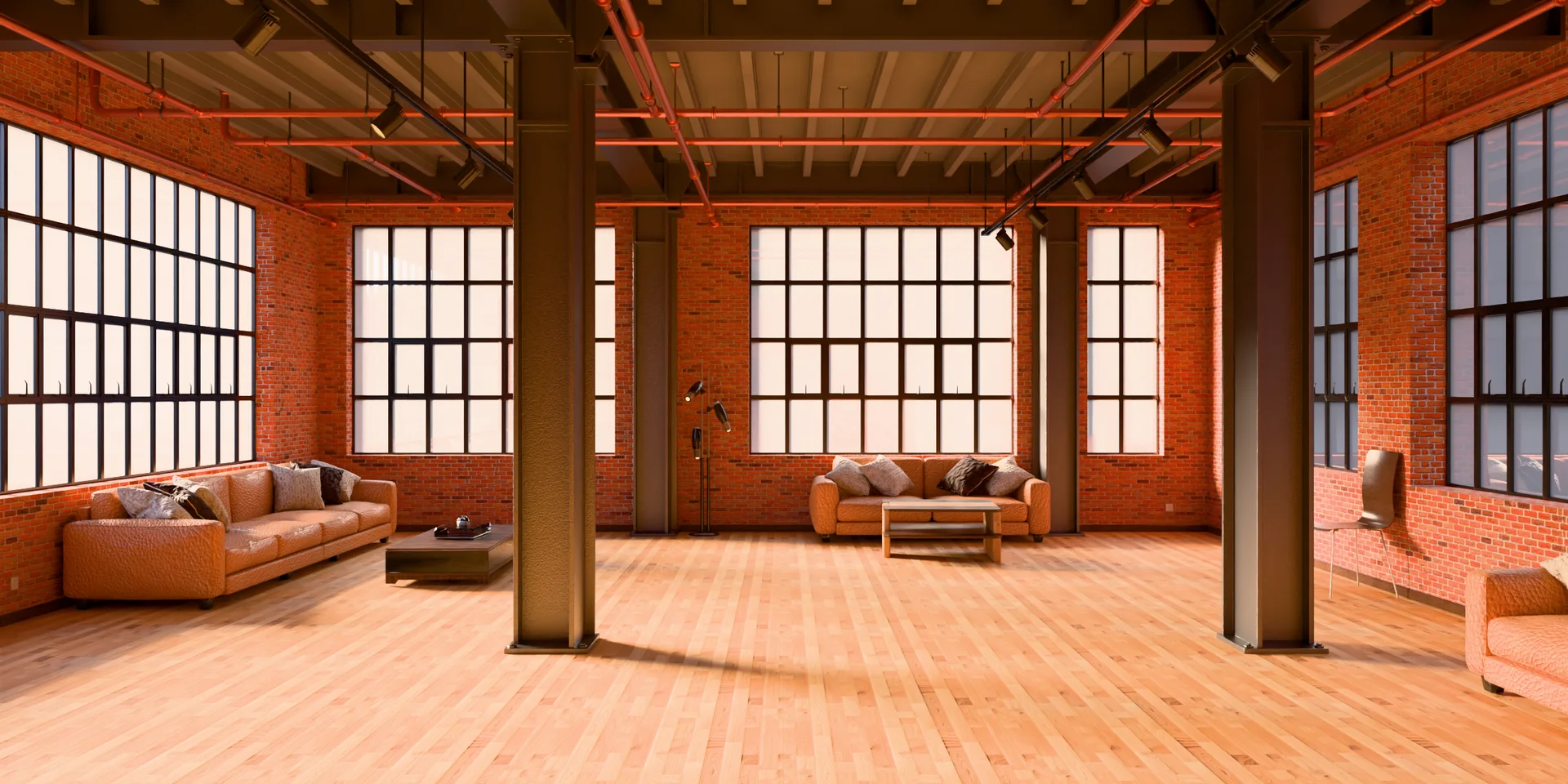
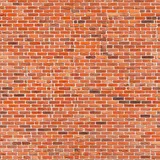 “old red brick wall”
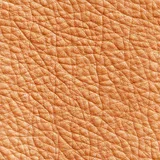 “tan leather”
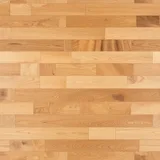 “light oak floor planks”
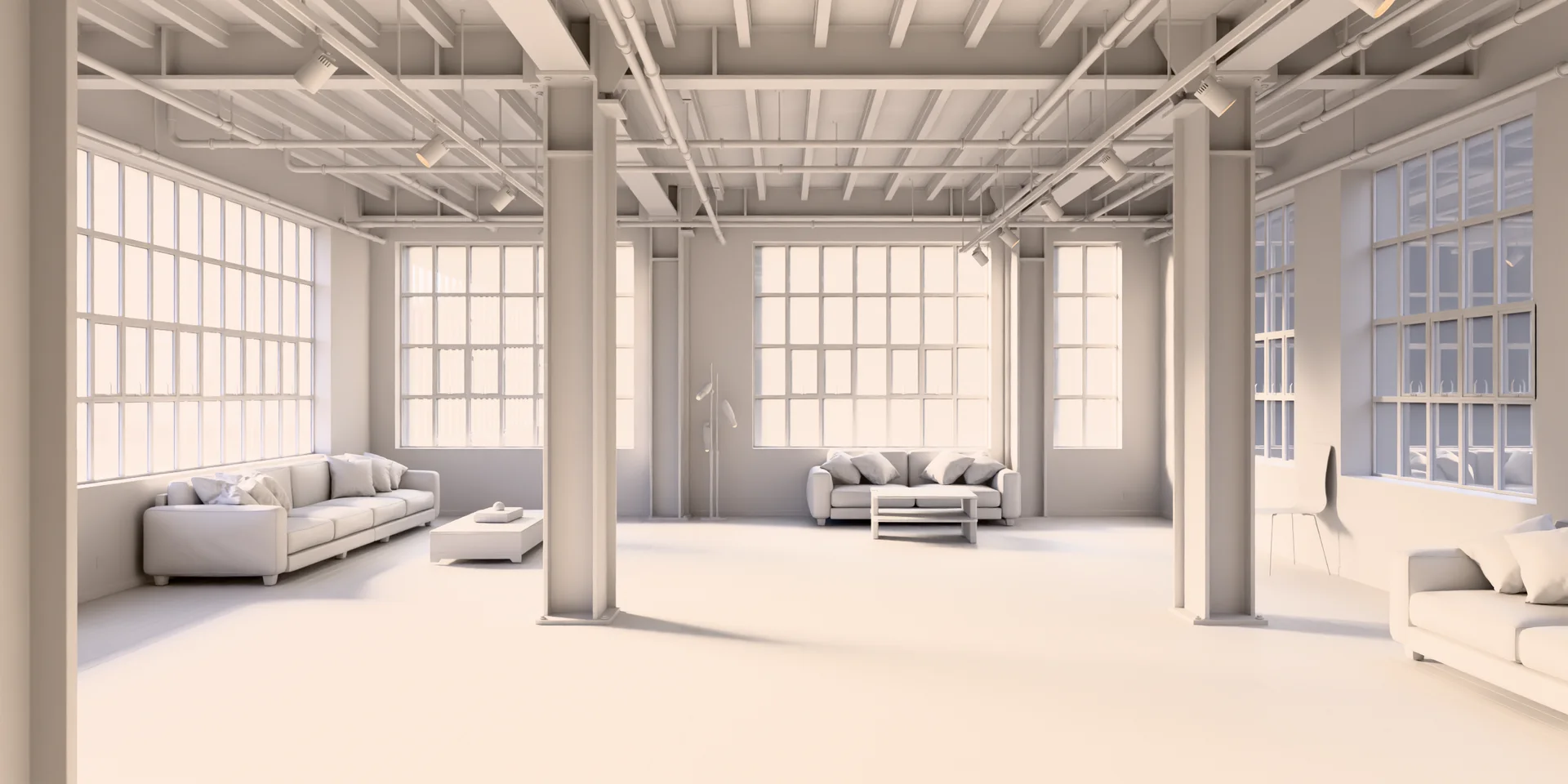
Drag across the picture: clay → AI materials, same camera, same light
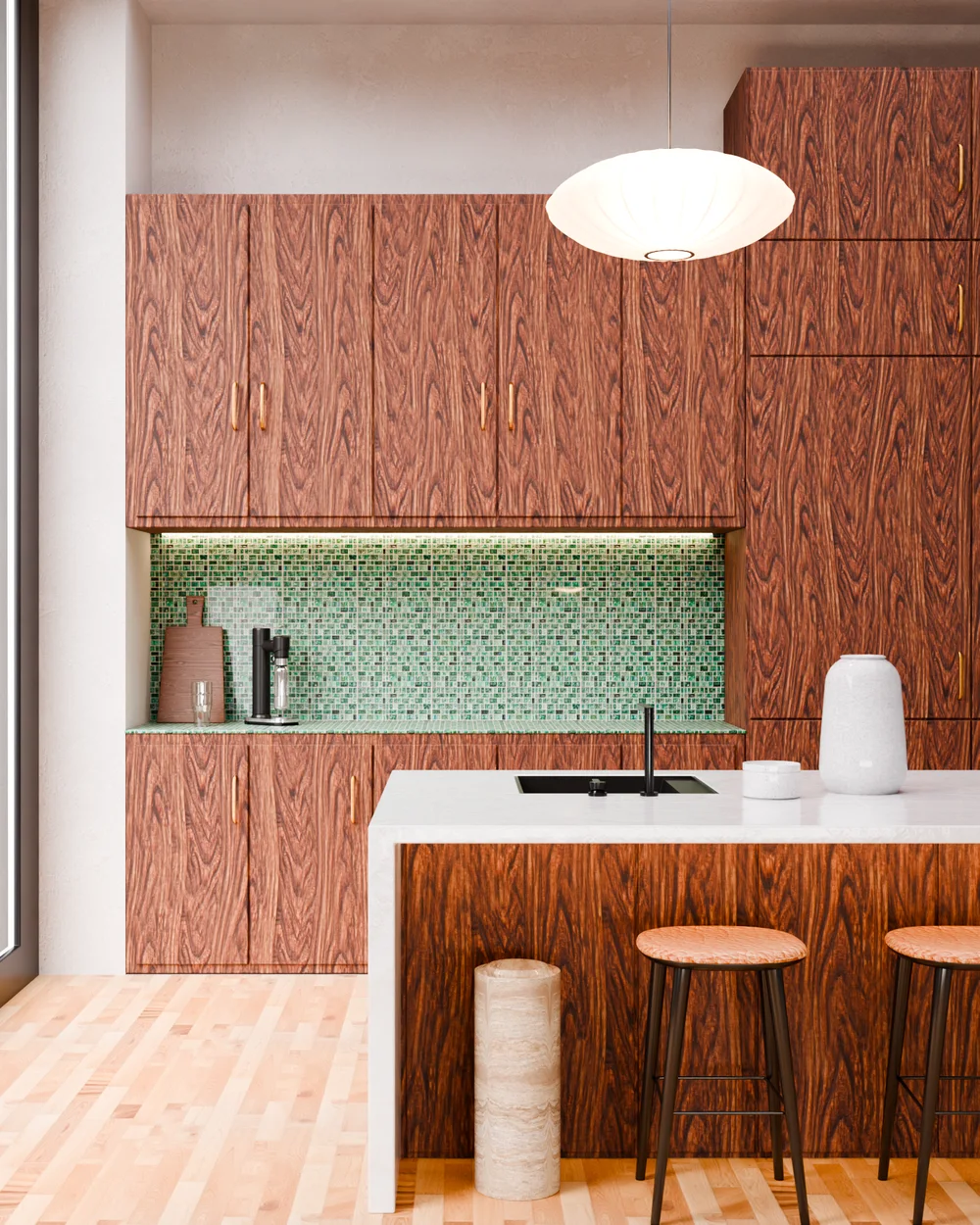
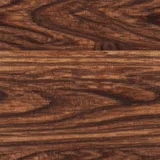 “dark walnut wood”cabinets
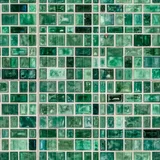 “green zellige tiles”wall tiles
 “white marble”counter“light oak floor planks”floor“tan leather”stools
Five surfaces, five short prompts. Every one is a real AI Textures result, put on with the add-on's own buttons.
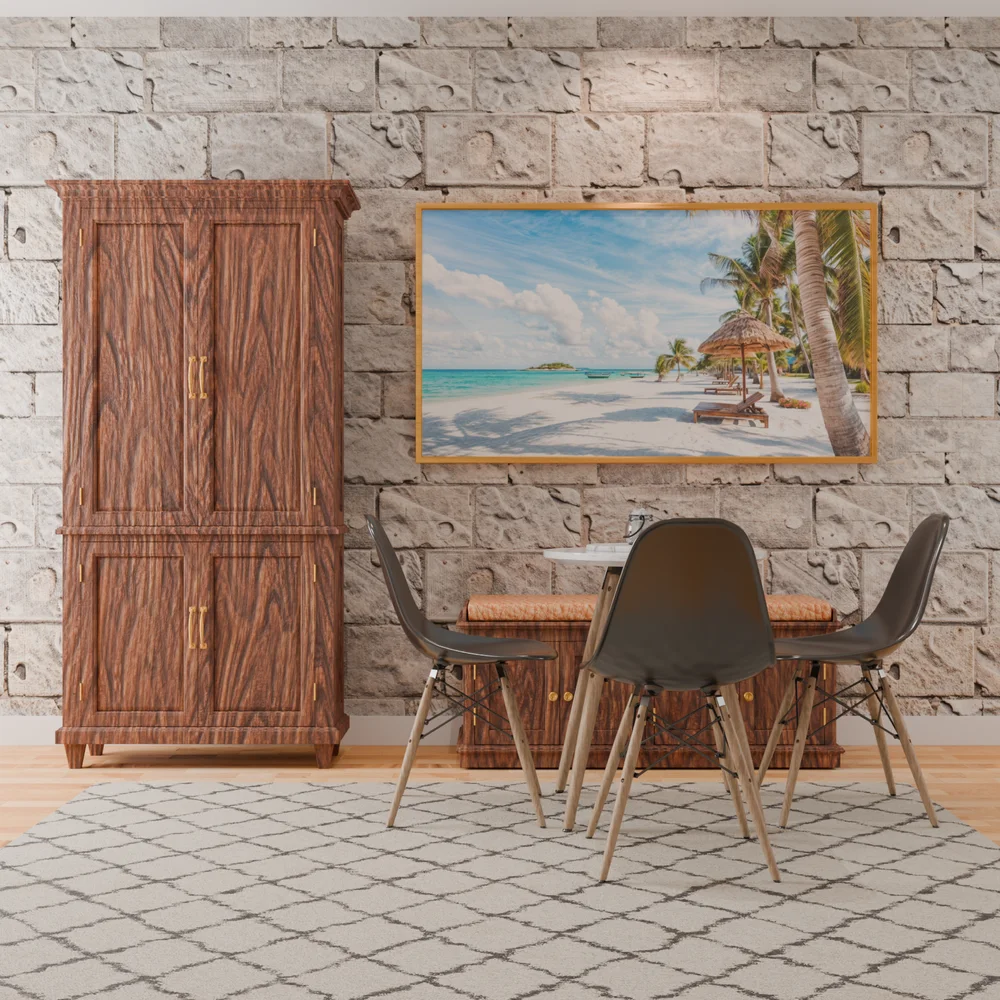
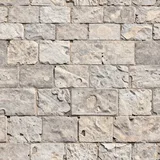 “old stone wall slabs”wall“dark walnut wood”cabinet and bench“light oak floor planks”floor“tan leather”bench cushion
Four prompts. The rug, chairs and frame are library materials.
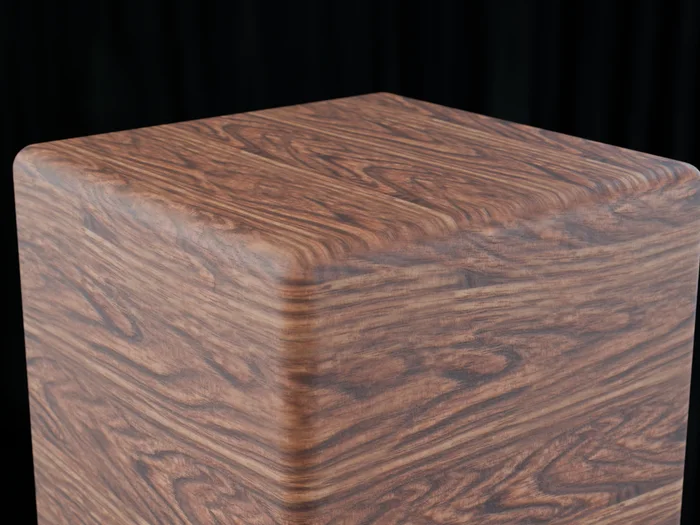
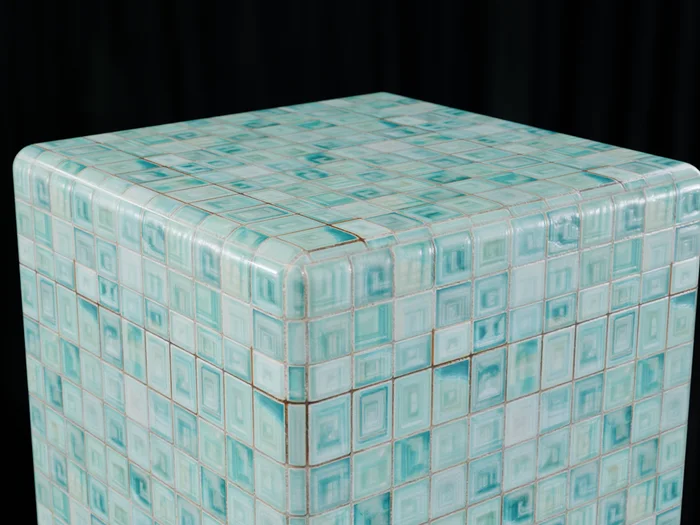
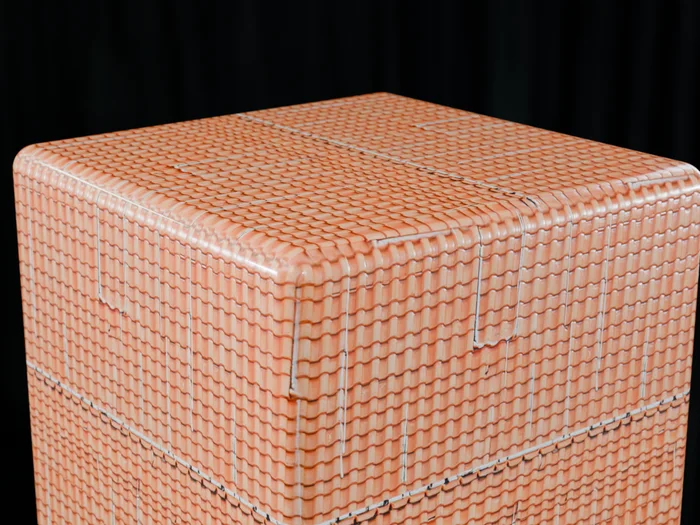
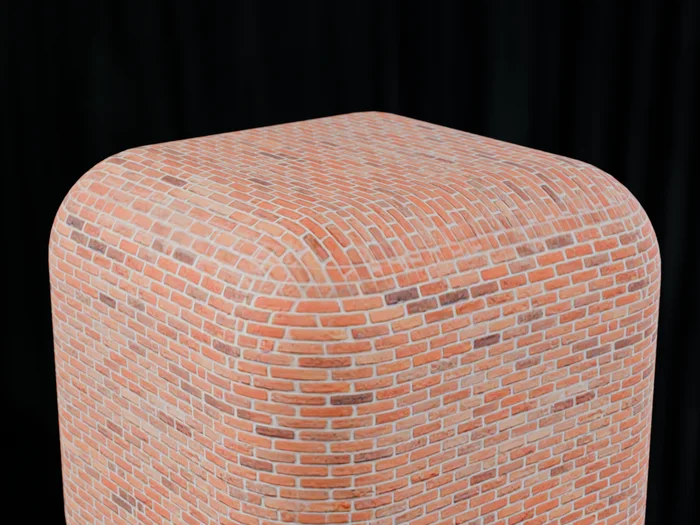
Up close: real AI Textures results, rendered in Cycles
Only once: one click downloads the free AI engine and model (about 6.7 GB) from their official pages. After that everything runs on your own PC, with no internet, no credits and no subscription. Nothing you type is sent anywhere.
A graphics card is best. It is tested on NVIDIA cards, and AMD and Intel cards use the universal Vulkan engine. Without one, the processor makes it, just slower. The add-on picks the right setup by itself and never installs drivers.
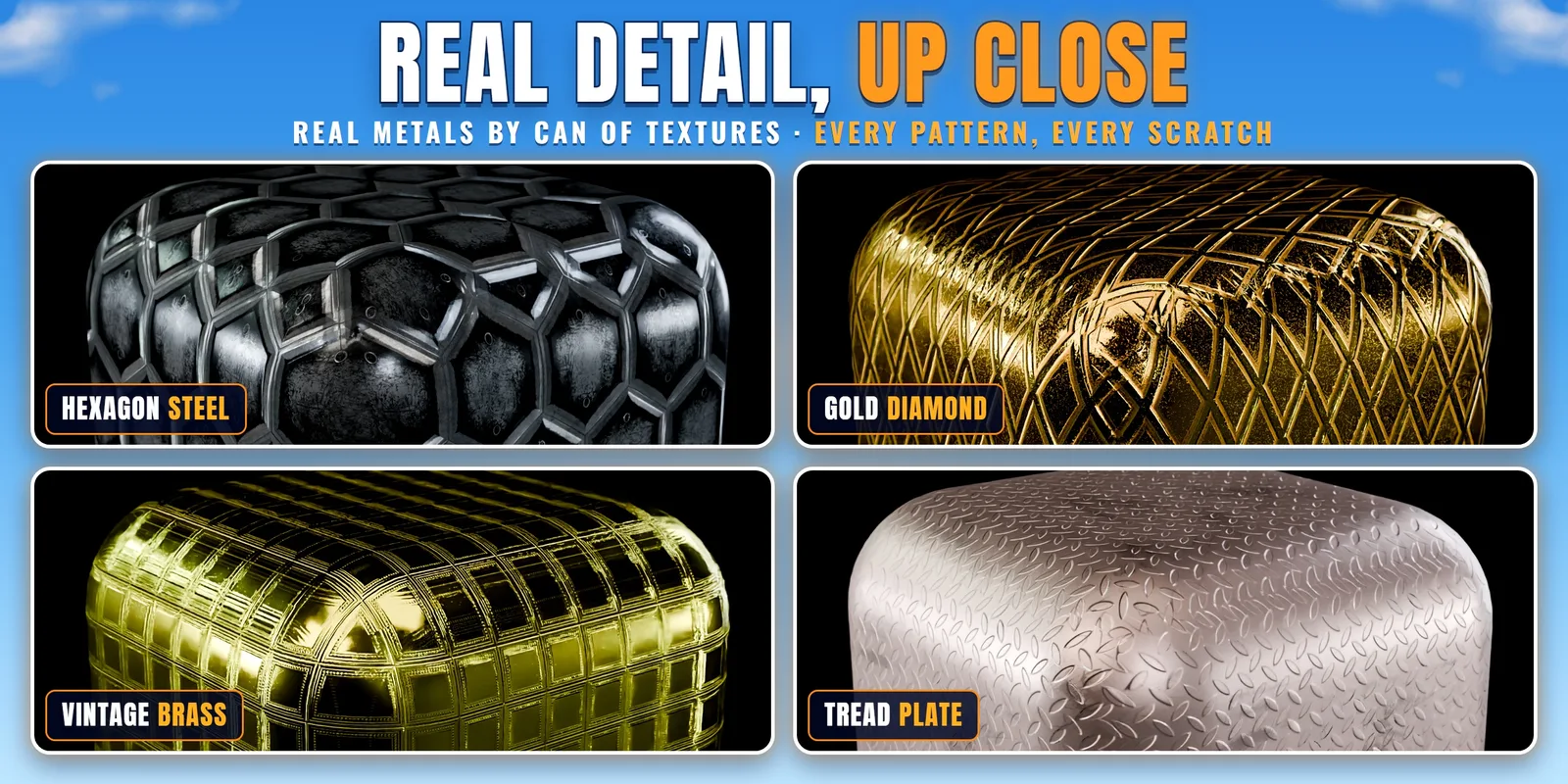
Natural surfaces: wood, stone, ground, brick, bark, fabric, leather, tiles and more. Very shiny metals like polished gold are hard for it, so for those use the library's 900+ metals.
No image files inside: each procedural material is made of Blender nodes. It stays sharp at any distance, fits any shape, and changes with a slider.
Click any surface in this real Cycles render, then change its material, colours, scale and rotation, just like in the panel.
Procedural = built from nodes: every look here is the same material with different settings.
Most materials put their colour and pattern controls right on top. Drag a slider and watch it change, no node hunting.
Renders by CAN OF TEXTURES with these procedural materials.
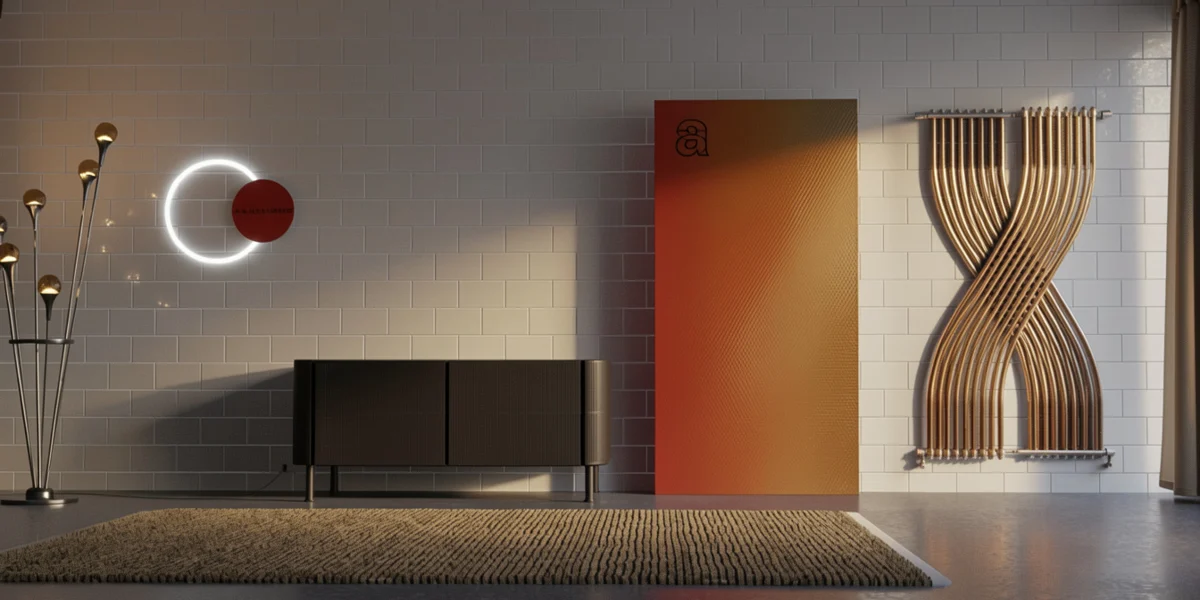

The most loved first. Each one shown in Blender, from the first click.
Turn any .blend file of your materials into a big picture gallery, right in the panel. Every material gets a real picture, made for you.
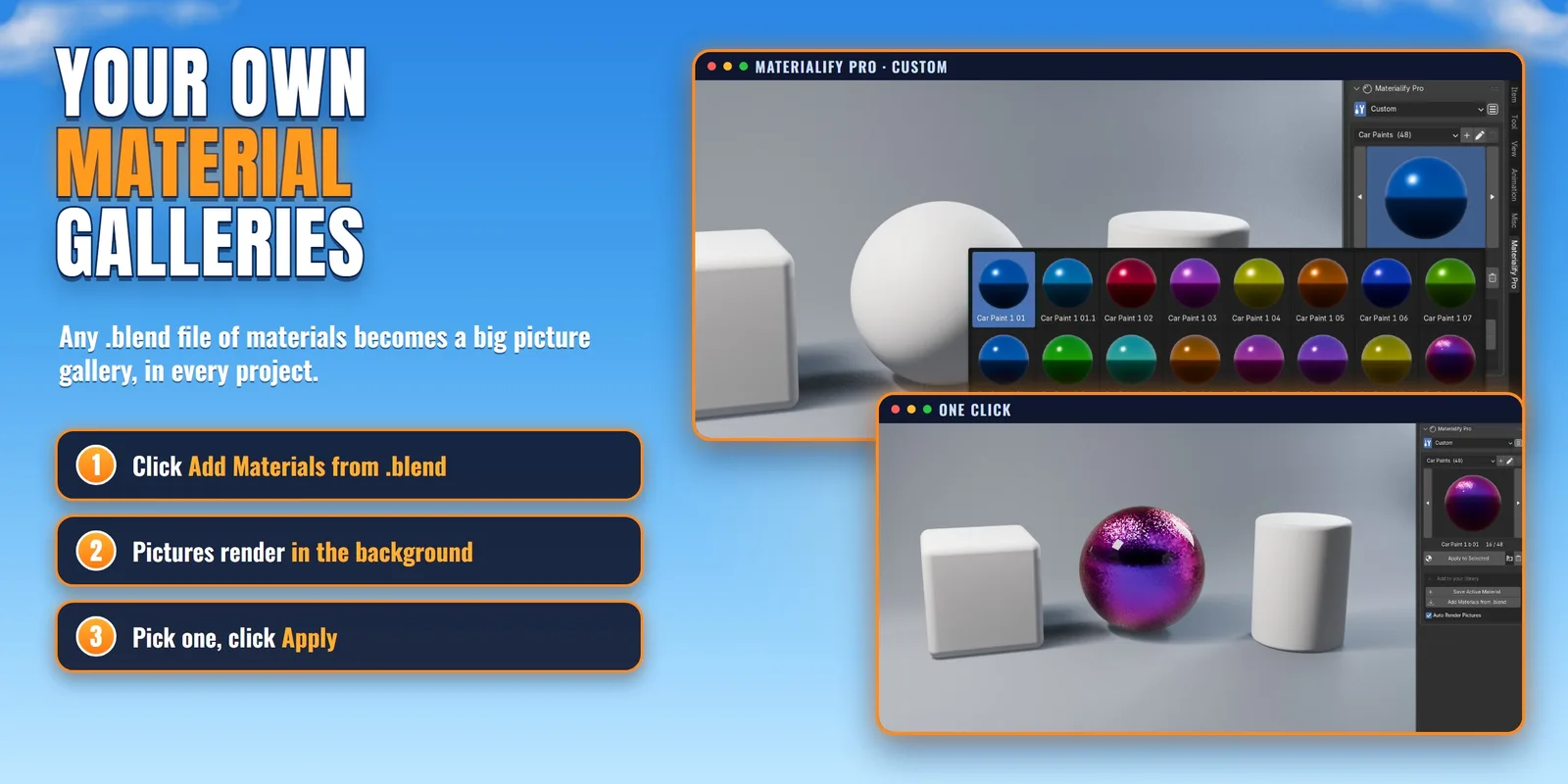
Yes. Pick the Custom category and click Add Materials from .blend: every material of your file shows up with a real picture. Or select an object and click Save Active Material. Make as many categories as you like.
No. The pictures render in the background, and a bar shows how many are left. Keep working, they appear one by one.
Yes. They are saved in Blender's own data folder, so updating or reinstalling the add-on keeps them.
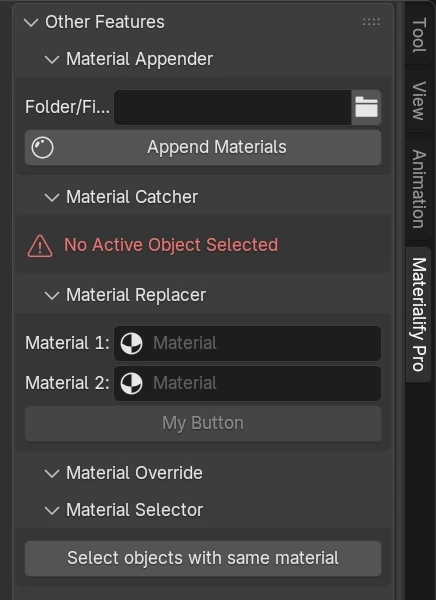
CAN OF TEXTURES made the textures. We built the add-on that puts them one click away. Together: 5,500+ materials in one panel.
Join our Discord server and enter the giveaway.
25% of every sale through your link, +5% every 20 sales up to 50%.
Use this code at checkout to get this price (90% off):
Want to try it first? Get the Demo as a free gift on Gumroad:
Free gift🎁 Demo on GumroadopenFree sample materials as a Blender asset library, plus the Bake add-on.
Every PBR material by CAN OF TEXTURES as a Blender asset library, in 13 categories.
Every procedural material as a Blender asset library. Change any colour or pattern.
The add-on, both libraries, the AI PBR Texture Generator and every feature on this page.
Pick your version in the options on this page. Use the code materialify90 at checkout for these prices. Or get the Demo as a free gift on Gumroad.
Blender 4.3 and above. Cycles and EEVEE. Installs as a Blender extension.
The textures come as a separate Source Folder. Unzip it, keep the folder names, point the add-on to it once.
Right-click help on every button, and we read and answer every message.
Use the materials in personal and commercial work, for life.
PBR materials use real texture maps (colour, roughness, normal, height) from CAN OF TEXTURES. Procedural shaders are built from nodes, so you can change colours and patterns freely with sliders.
Yes. Every PBR material is its own folder with its own texture maps (Base Color, Roughness, Normal and Height, 2K), so you can use them in Unreal Engine, Unity, 3ds Max, Maya, Cinema 4D or any app that reads PBR maps. Procedural and AI materials can be baked into maps too.
By category: 13 PBR categories (wood, fabric, metal, marble and more) and 12 procedural ones. Pick a category in the panel and browse its big previews, or find materials by name, tag and colour.
Yes: a free Demo (sample materials + the Bake add-on, free as a gift on Gumroad), the PBR Library and the Procedural Library (Blender asset libraries). The full Materialify Pro has everything, including the add-on and the AI PBR Texture Generator.
Yes. After purchase you can use the materials in personal and commercial projects, for life.
Yes. Open Material Settings in the panel: every material has its own sliders, such as Mapping Scale, Tint Color, Displacement Scale, or Hue, Saturation and Value.
Yes, the texture Source Folder that comes with your purchase. It's big because it holds 5,000+ real texture sets. You set its location once in the panel.
Yes. Magic Search filters the library by a colour you pick and by tags.
Right-click it and choose Materialify Guide. It tells you what that button does, with the steps of its panel. Help & Guide at the bottom of the tab opens the full guide.
Right-click any button for the Materialify Guide, message us on Superhive, or ask in our Discord. Updates are posted there too.
 FREE
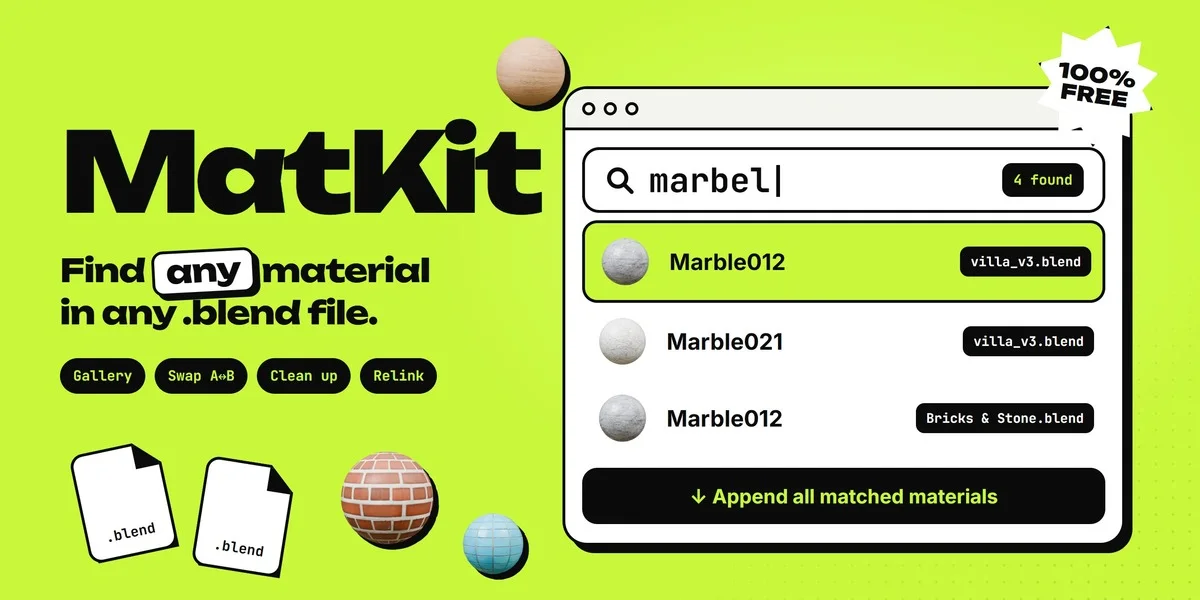 FREE
New add-ons, tips and behind-the-scenes.